Docs / Put AmbiBack on the iOS home screen
Put AmbiBack on the iOS home screen
Archive: The AmbiBack Bridge was sold for a short time as an interim solution for DreamScreen owners. Sales have ended; the page stays online as a reference for owners and for DIY builds.
There is no dedicated iOS app. The web interface works well on iPhone and iPad, though, and can be saved so that it opens like an app. This has worked since firmware 0.3.212, on Android too.
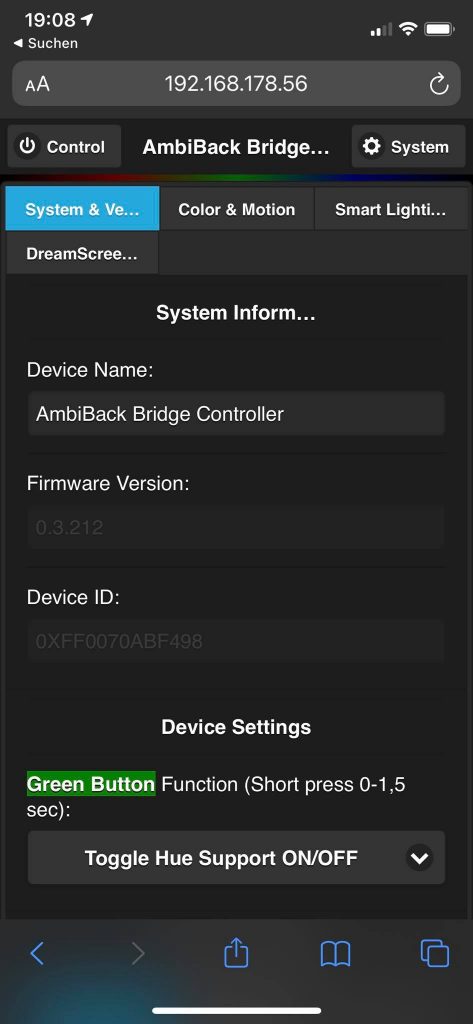
- Open Safari and enter the device's IP address or the name
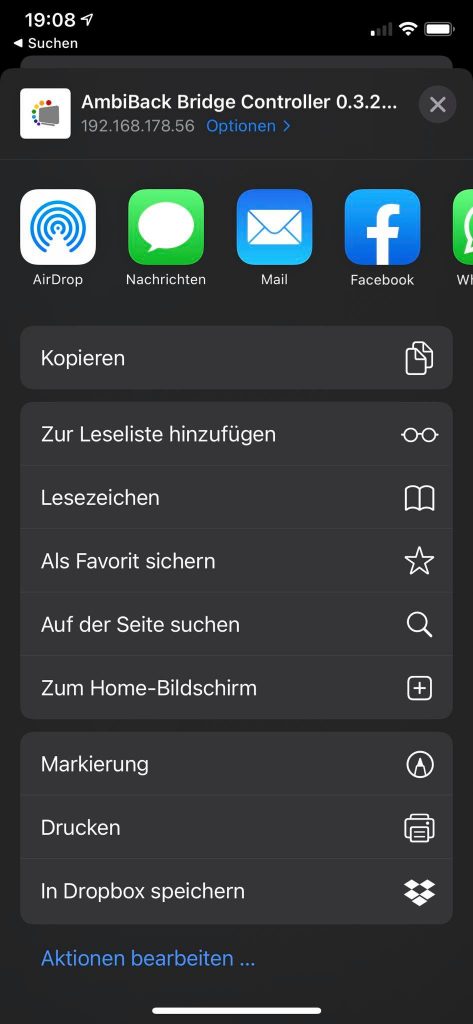
ambibackin the address bar. - Tap the share icon at the bottom centre and choose “Add to Home Screen”.
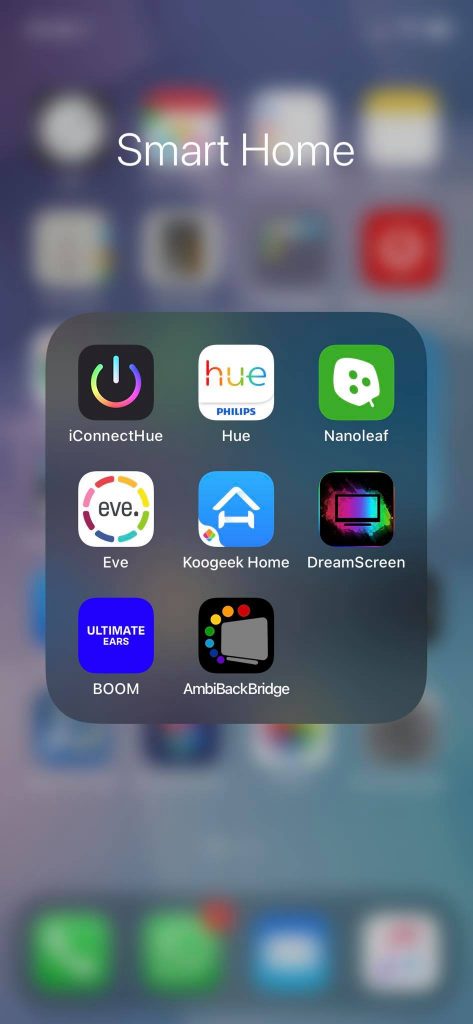
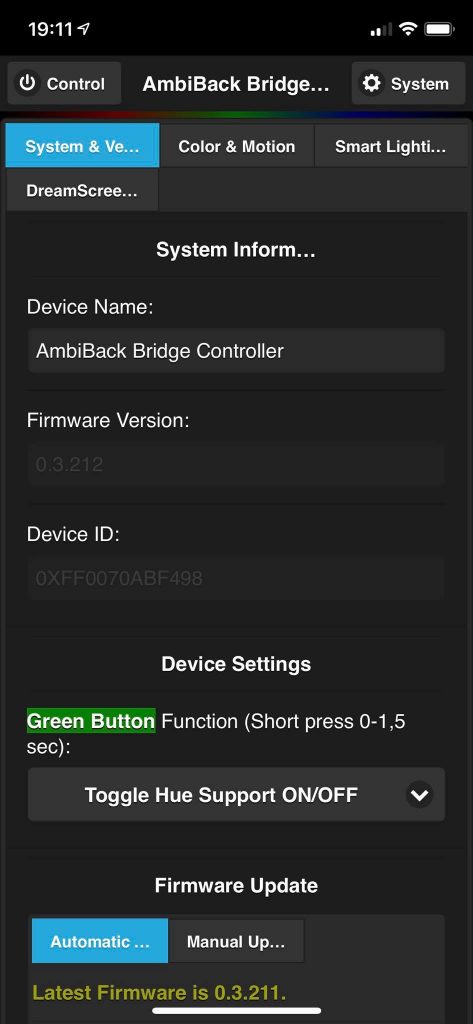
- The “AmbiBackBridge” icon is now on your home screen. Tapping it opens the web interface.