Docs / AmbiBack Android app
AmbiBack Android app
Archive: The app never left beta and was not released on the Google Play Store.
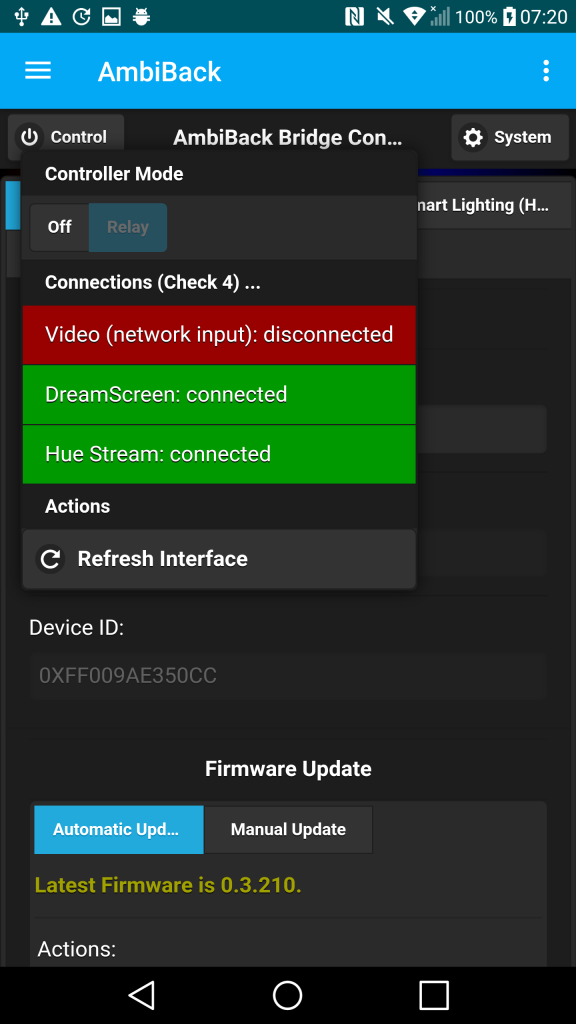
The app looks for AmbiBack devices on the local network and opens their web interface right inside the app.
Features
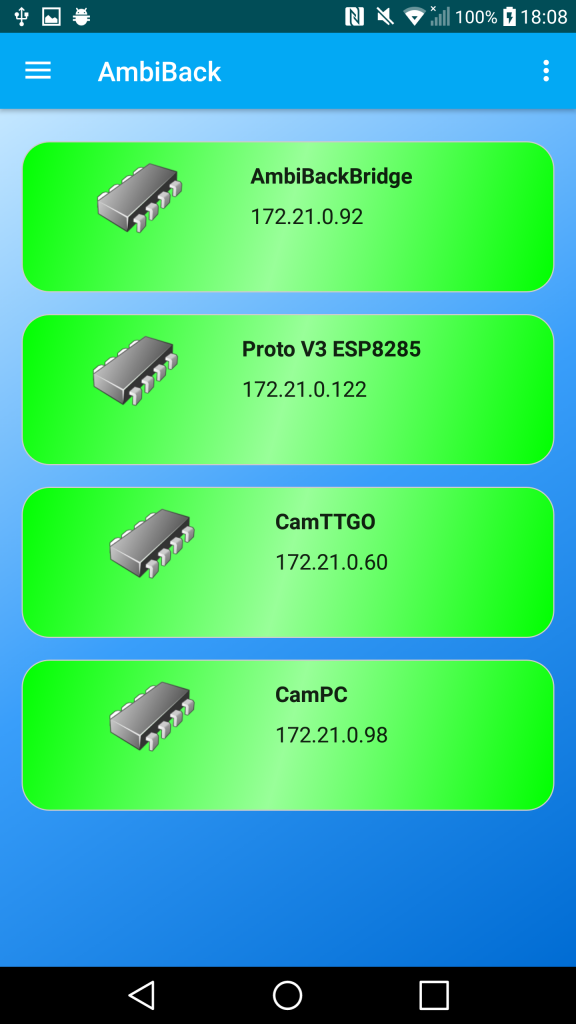
- finds all AmbiBack devices on the local network and lists them
- opens a device's web interface inside the app
Mirroring the Android device's picture to AmbiBack (video mode), including on Android TV, was planned as well.
Download
The app is available as an APK file: download ambiback.apk. During installation Android asks whether you want to allow apps from this source.
Finding devices
After starting, the app shows all AmbiBack devices on the network. On first start the list may be empty. In that case restart the search: swipe down or choose “Discover Devices” from the menu. The app sends a UDP broadcast into the local Wi-Fi network to do this.
Setting up a device
When you tap a device, the app switches to its web interface. All settings are made there; the Bridge manual explains them.